Website One: Commerce
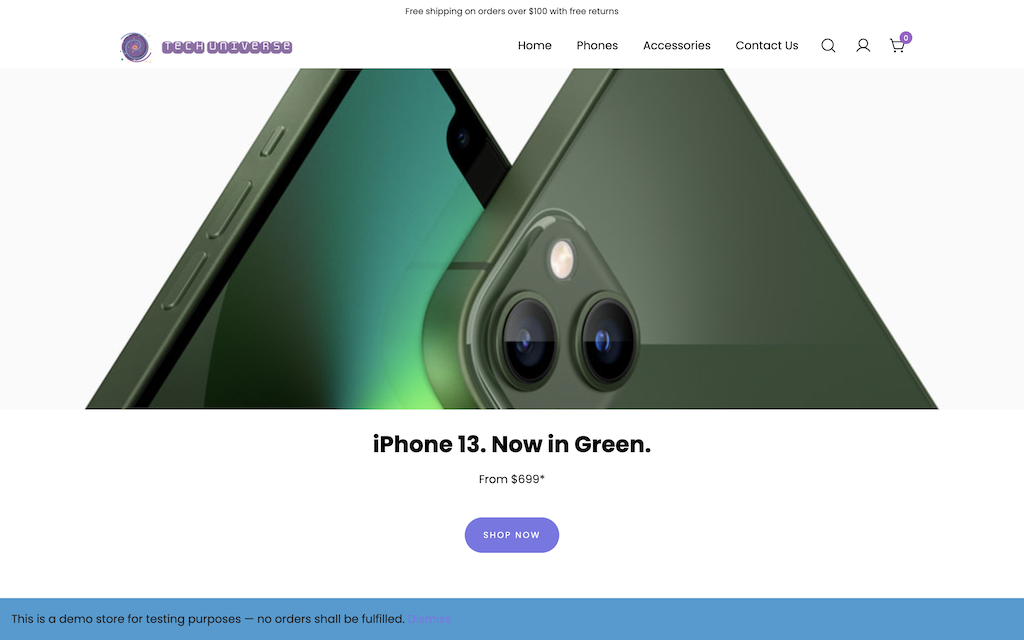
Building a commerce website through Wordpress was much more challenging than I
initially anticpated. I've built websites through visual-building websites like Wix before, but
Wordpress uses a block system which was completely new and unfamilar to me. It was really hard to get
used to it at first. The interface seemed like it was built just for text-only use cases like for a news
website or blog, not for things like a store, which really threw me off. I had spent hours trying to
make the first product listing page right. My product pictures weren't sizing correctly, my columns were
misaligning, and I couldn't figure out the interface at all. To make better use of my time, I ended up
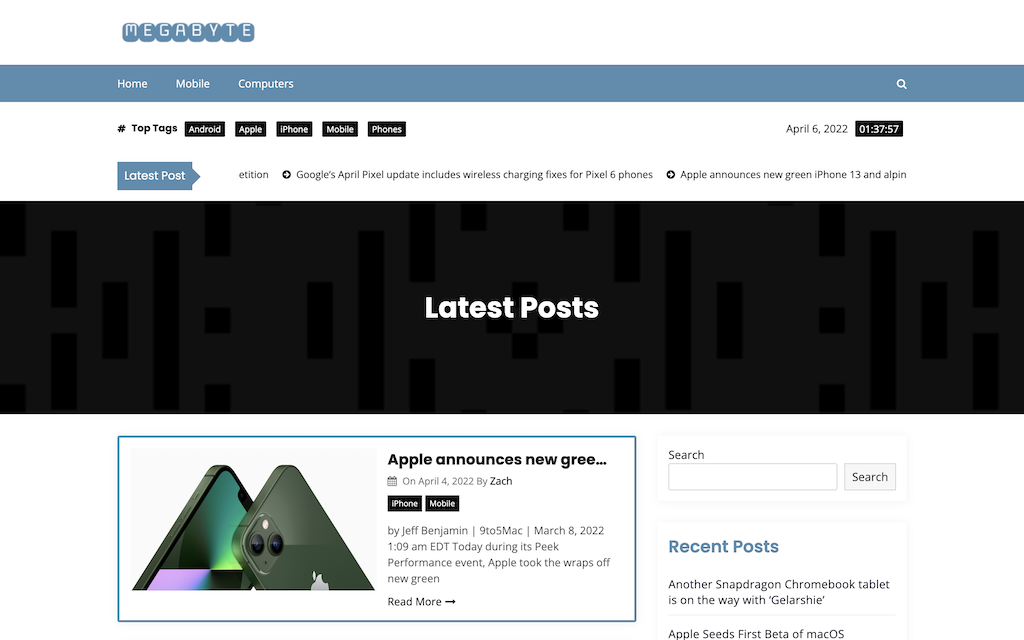
pausing this website to work on the news site so I could become more familar with Wordpress in a more
traditional sense before I continued.
After finishing up the news website and becoming more
familar with the block interface, finishing this website became much, much easier. I realized I was
overthinking the WooCommerce blocks like the product listing block and the column blocks, and I looked
up some tricks to make the editing interface easier to use, like changing the view settings to move the
toolbar to the top of the page, and spotlight mode to make it easier to focus on each block.
At
this point making this site became more fun. I started experimenting with different block settings,
video embeds, and different layout settings that were included with my template. Adding product
variations was a really cool feature but unfortunately took a LOT of time. As it turns out, there are
over 200 SKU variations for an iPhone 13 Pro once you consider size, color, capacity, and carrier... It
would've taken way too much time to price out each individual SKU, so I removed the carrier option which
cut it down to a much more manageable amount. It was still a lot of work, but being able to choose each
different attribute on the product page looks so cool and like a real store site.